

Every game.
One orbit.
The controller-first game launcher for your Mac. Steam, Windows games through Orbit Wine and Apple's Game Porting Toolkit, and your Mac apps, in one beautiful library.
Free and open source · Apple silicon · macOS 12+ · Local by default
- Steam
- Xbox Cloud Gaming
- Mac games
- Epic GamesSoon
 Epic Games
Hundreds of games, one shelf
Your whole library. Finally in one place.
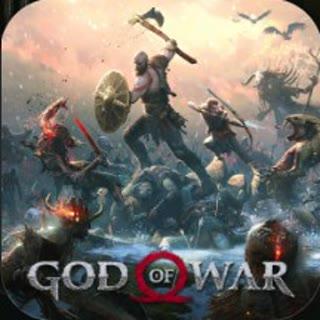


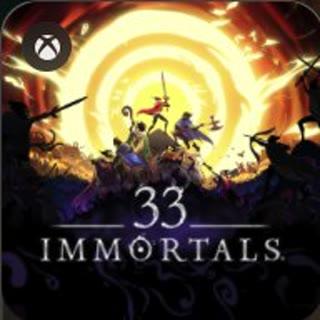
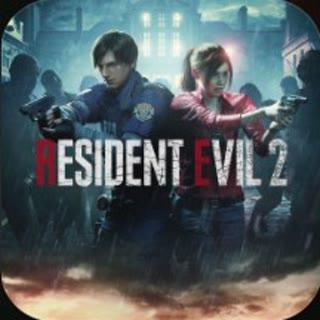

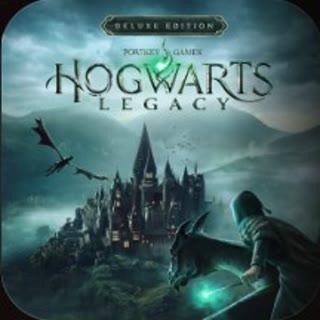
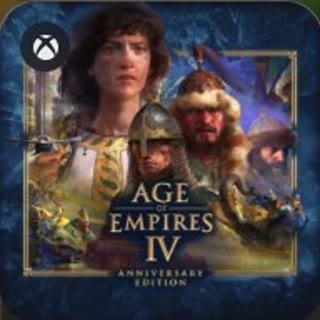
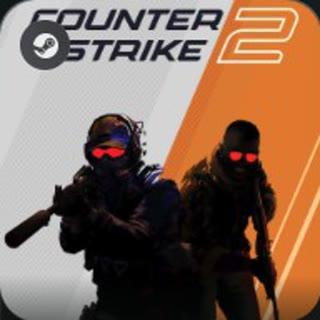
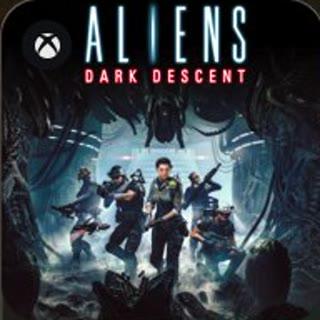

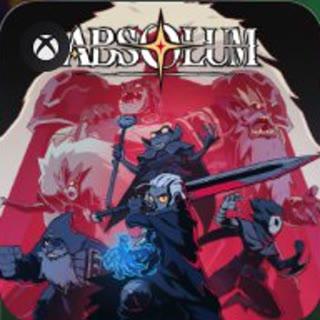

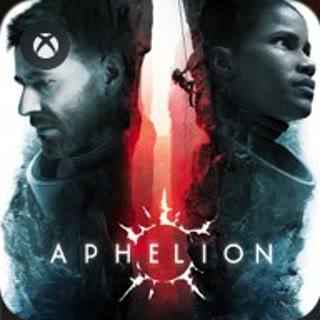
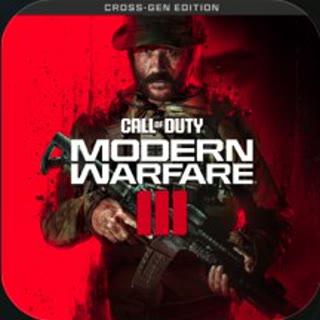

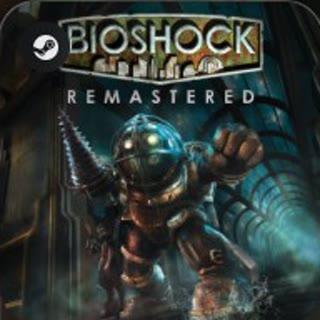
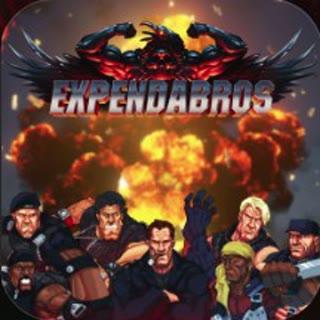

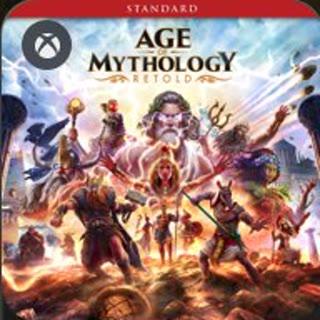


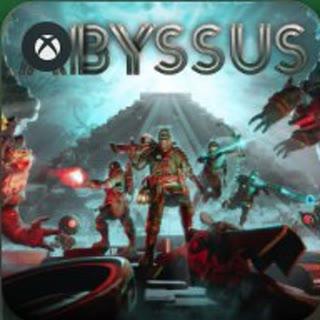

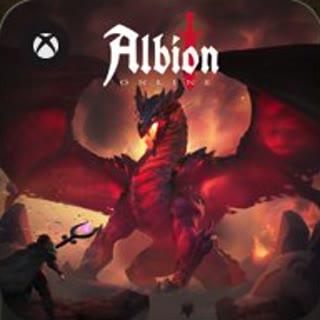


See it in action
Real games. Really on a Mac.
01 — The launcher
Less managing.
More playing.
Orbit is not another store, emulator, or cloud service. It is a calm, beautiful control center for the games already on your Mac, and the easiest way to play your Windows games there.
Everything you own, together
Steam, Windows games and Mac apps in one fast, searchable library, with artwork, playtime and where each game comes from. No migrating your collection and no new store.
Windows games on your Mac
Orbit Wine runs each game in its own container, with MSync, D3DMetal from Game Porting Toolkit, DXMT and DXVK set up and kept current for you.
Tuned for Apple silicon
Recommended performance settings out of the box, and macOS Game Mode for every game Orbit starts.
Built for the couch
Spatial navigation, a clear focus ring and full controller support, Bluetooth and USB, passed straight to your games.
Launch. Play. Done.
Orbit starts the game, tracks the session and steps out of the way. Your library, artwork and settings stay on your Mac.
Open the app.
Own the experience.
02 — Your sources
Four worlds. One launcher.
Orbit pulls in what you already have and launches each game the right way, so you never need to remember where something came from.
Steam
Your Steam library comes in as it is, Mac and Windows games alike.
Windows games
Installers and folders run in Orbit Wine, one container per game.
Mac apps
Native games and apps from your Mac, with artwork you can fetch or edit.
Xbox Cloud Gaming
Browse the catalog and stream in Orbit’s own player with your Game Pass.
Make it yours
A front end with your signature.
Start with a console-inspired shell, then tune the color, motion, wallpaper, logo, and per-game accents. The built-in studio turns plain JSON into a home screen that feels unmistakably yours.
Explore themes and customization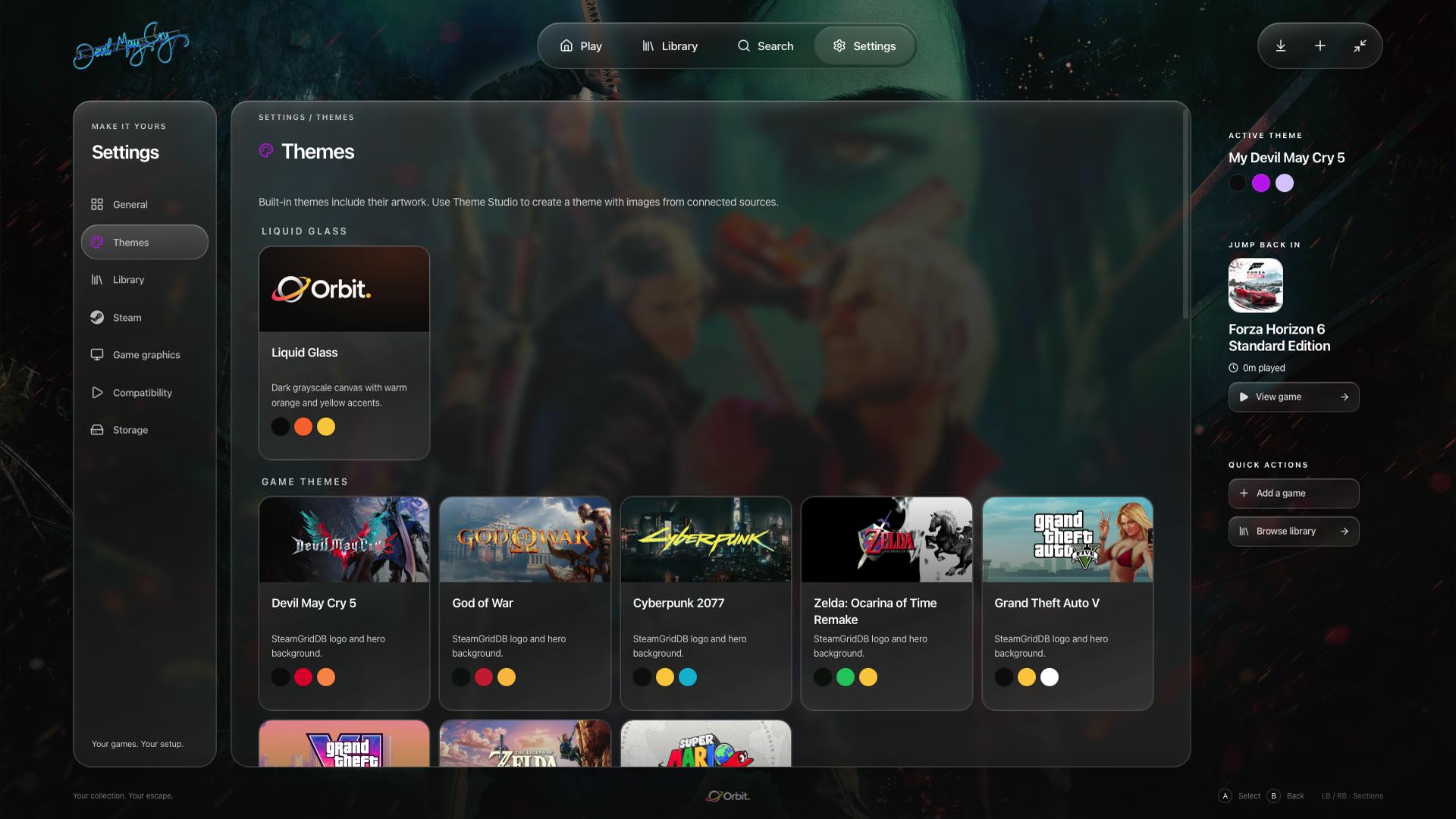
04 — Controller first
Pick up the controller. Leave the desk.
Every screen is designed around predictable spatial focus. Move through your library, edit artwork, change themes, and launch a game without reaching for a mouse.
Keyboard: arrows · Enter · Esc · F · C · [ ] · M
- D-pad / stick
- Navigate
- A
- Select
- B
- Back
- X
- Edit
- Y
- Add game
- L1 / R1
- Sections
- Menu
- Settings
05 — Why Orbit
Your games. Your rules.
| Topic | Orbit | Typical launcher |
|---|---|---|
| Price | Free, forever | Free tier, paid extras |
| Source code | Open source on GitHub | Closed |
| Account | None needed | Required to start |
| Your data | Stays on your Mac | Synced to their cloud |
| Ads and tracking | None | Common |
| Made for | The Mac and the couch | A phone port |
06 — Download
Press start on your Mac.
Free and open source. Download Orbit, and its first launch sets up Orbit Wine, finds your games and signs you in to Steam.
Orbit for Mac
What you need
- A Mac with Apple silicon (M1 or later)
- macOS 12 Monterey or later
- Rosetta 2 for Windows games (macOS offers it on first launch)
- A controller is optional: keyboard and mouse work everywhere
07 — Questions
Good to know.
Is Orbit free?
Yes. Orbit is free and open source, with no paid tier, no ads and no account. The code is on GitHub.
Which Macs does Orbit run on?
Macs with Apple silicon (M1 or later) on macOS 12 Monterey or later. Windows games also need Rosetta 2, which macOS offers to install on first launch.
How do Windows games run on a Mac?
Through Orbit Wine, with D3DMetal from Apple’s Game Porting Toolkit, DXMT and DXVK. Each game gets its own container, set up and kept current for you.
Do I need a controller?
No. Orbit is built for controllers over Bluetooth or USB, but every screen works with a keyboard and mouse too.
Does Orbit need an internet connection?
Only for what lives online: signing in to Steam, downloading games and artwork, and Xbox Cloud Gaming. Your library and settings are stored on your Mac.
Can I play Xbox Cloud Gaming in Orbit?
Yes, with a Microsoft account that includes cloud gaming. Orbit links the account with a code and streams games in its own full-screen player.
Is Orbit a store or an emulator?
Neither. Orbit launches the games you already own. It does not sell games and does not ship console emulators.